
Keep supporting evidence with the assigned work
Photos & Signatures keeps private operational evidence against your own published roster shift or assigned task inspection. Work Photos and Staff Signatures are separate optional features. Super Admin must grant each required feature in Org Permissions; both start off for existing organisations. Industry Templates can include either in future organisation setup. The selected organisation and your current role and location access determine what is available.
Start a work record
- Open Photos & Signatures in your dashboard.
- Choose to create a record and select a Shift or Task inspection. Search the available assigned work if needed.
- Check the assignment and location before creating the draft. Task targets require access to Task Lists & Inspections and an in-progress or returned assignment. Shift evidence is available from 24 hours before the shift until 48 hours after it ends.
Add photos when Work Photos is enabled
- Open your draft and choose photos from your camera or library.
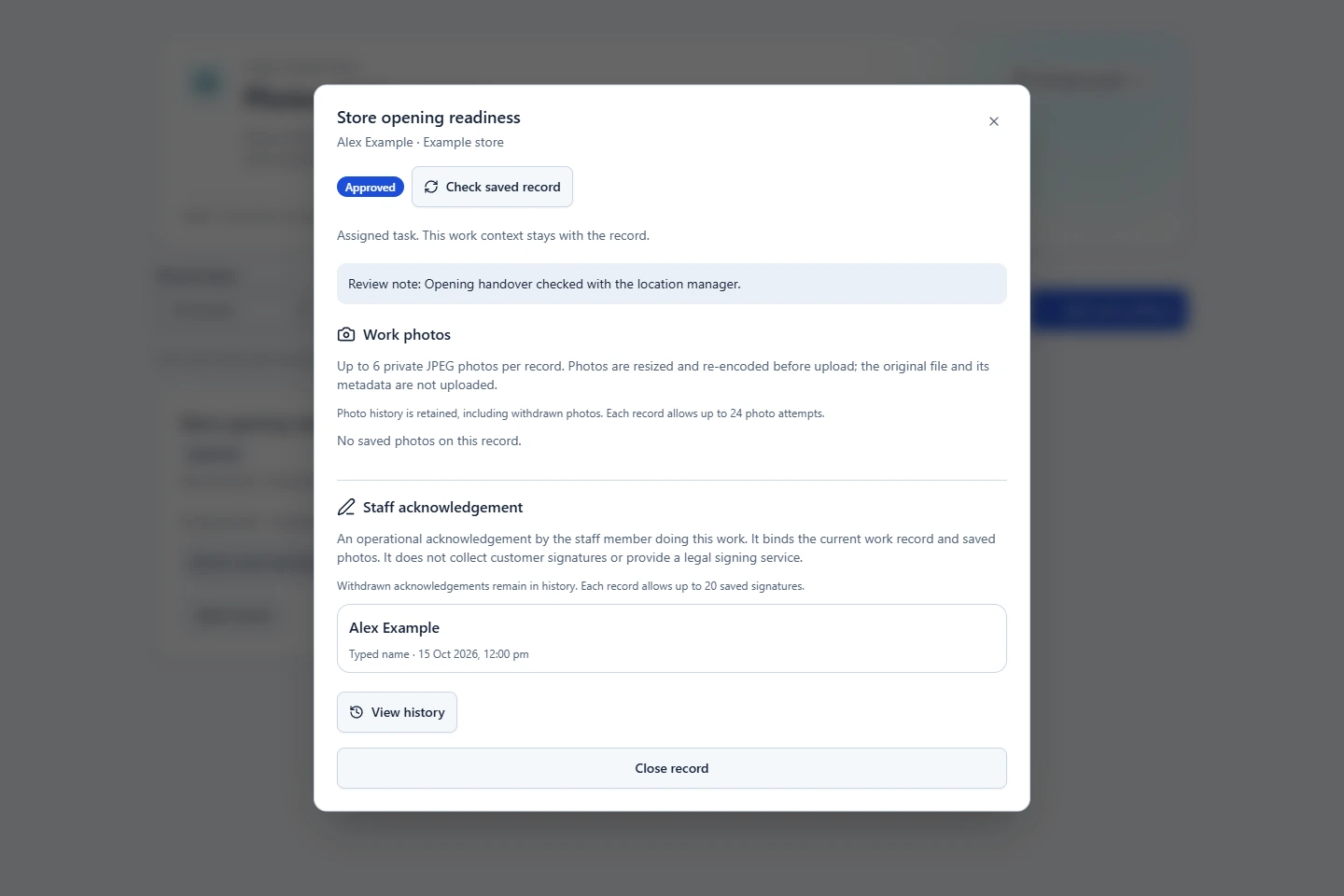
- Review the previews, remove unwanted choices and add factual captions. Each record supports up to six active photos.
- Save the photos and wait for confirmation. The app prepares smaller JPEG copies without camera metadata. Keep original files separately if your procedures require them.
- If saving fails, check the message and retry the retained draft. A selected preview alone is not a saved record.
Add your own staff acknowledgement
- Check the work context and all saved photos first.
- Draw your signature, or choose the typed option and enter your own account name.
- Confirm the consent statement and save. The record stores your identity and server recording time.
- If the saved evidence needs changing, explicitly withdraw the signature first. Make the correction and add a new acknowledgement when ready.
A signature acknowledges this exact work context and saved photo set. It is a staff completion acknowledgement; customer signatures, contracts and regulated inspection certification require their own workflows.
Submit, review and correct
- Submit the completed draft for review.
- An authorised manager opens the record, checks its visible evidence and approves it or requests changes with a review note.
- If returned, the owner corrects the draft and resubmits. Review the retained history when checking earlier actions.
Organisation backups retain evidence metadata and private photo references. They do not copy photo bytes or reconstruct missing storage files.
Workers see their own records. Managers are limited to their authorised locations; organisation administrators have organisation-wide access. Turning either feature off hides its evidence and stops its actions while retaining history. A record containing a disabled evidence type cannot be submitted or approved until the required access is enabled again. Signatures and photos keep their independent controls.
Related: Task Lists & Inspections · Feature access and industry setup.